Step 01
Generate the template
Define each face and create the structured Excel file that anchors the run.
- Create as many faces as you want.
- Each face can have custom dimensions and spacing.
- Template file creation is confirmed in the results panel.
Ray transforms structured inspection spreadsheets into validated, Surfer-ready outputs with consistent SRF, PNG, and DAT delivery.
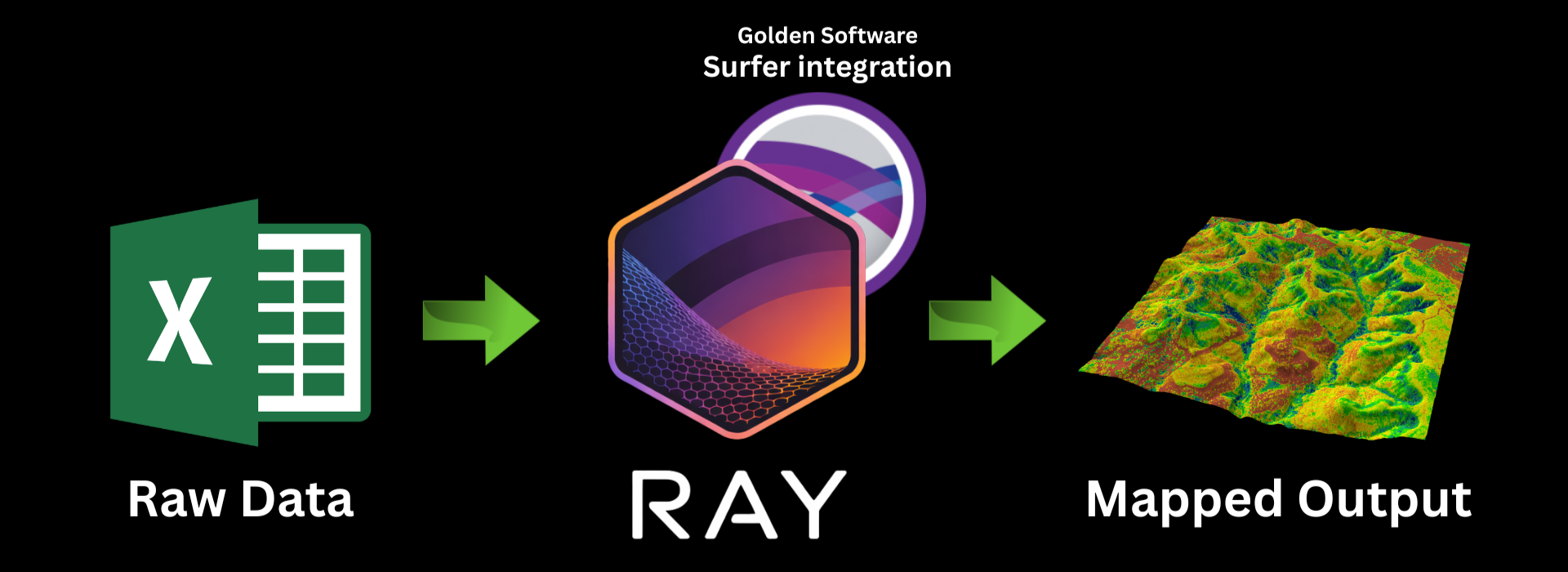
Built for engineering teams, inspection contractors, and infrastructure asset owners who need a repeatable pipeline from field input to Surfer-ready deliverables.
A practical pipeline designed for repeatable, robust & accurate outputs.
Teams start with structured templates for inspection values, coordinates, and metadata.
Ray checks sheet structure and required fields before processing begins.
Validated data is prepared with consistent configuration for map generation.
Deliverables are generated as SRF, PNG, DAT, plus summary files for QA and reporting.
Step 01
Define each face and create the structured Excel file that anchors the run.
Step 02
Import the completed template with site data, chose your formats, and start processing.
Step 03
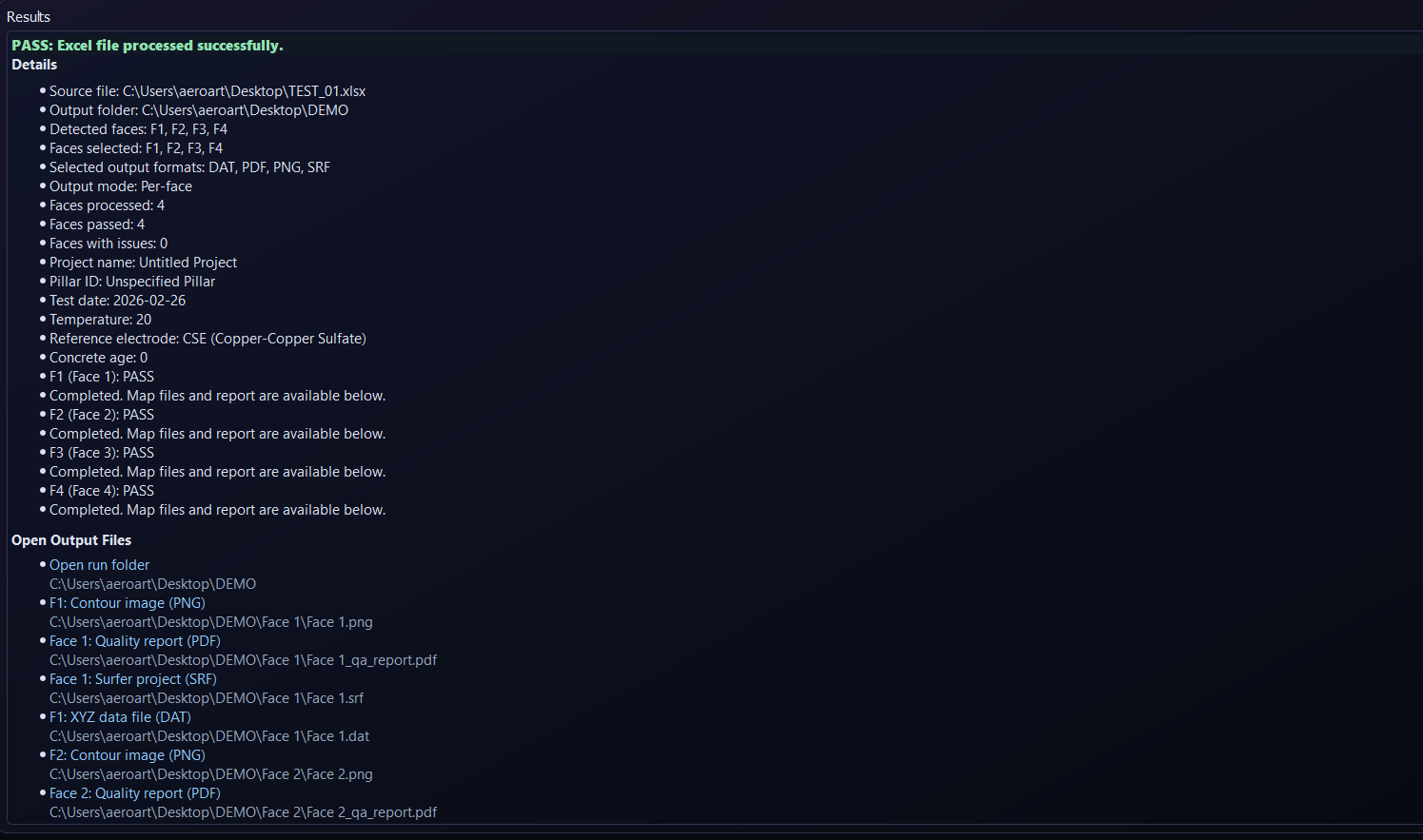
Ray executes each face and logs pass/fail outcomes with run context for QA review.
Step 04
Open generated files directly from the results pane to speed up operator checks.

Step 05
Validate that each face produced its complete export set in the expected folder structure.
Step 06
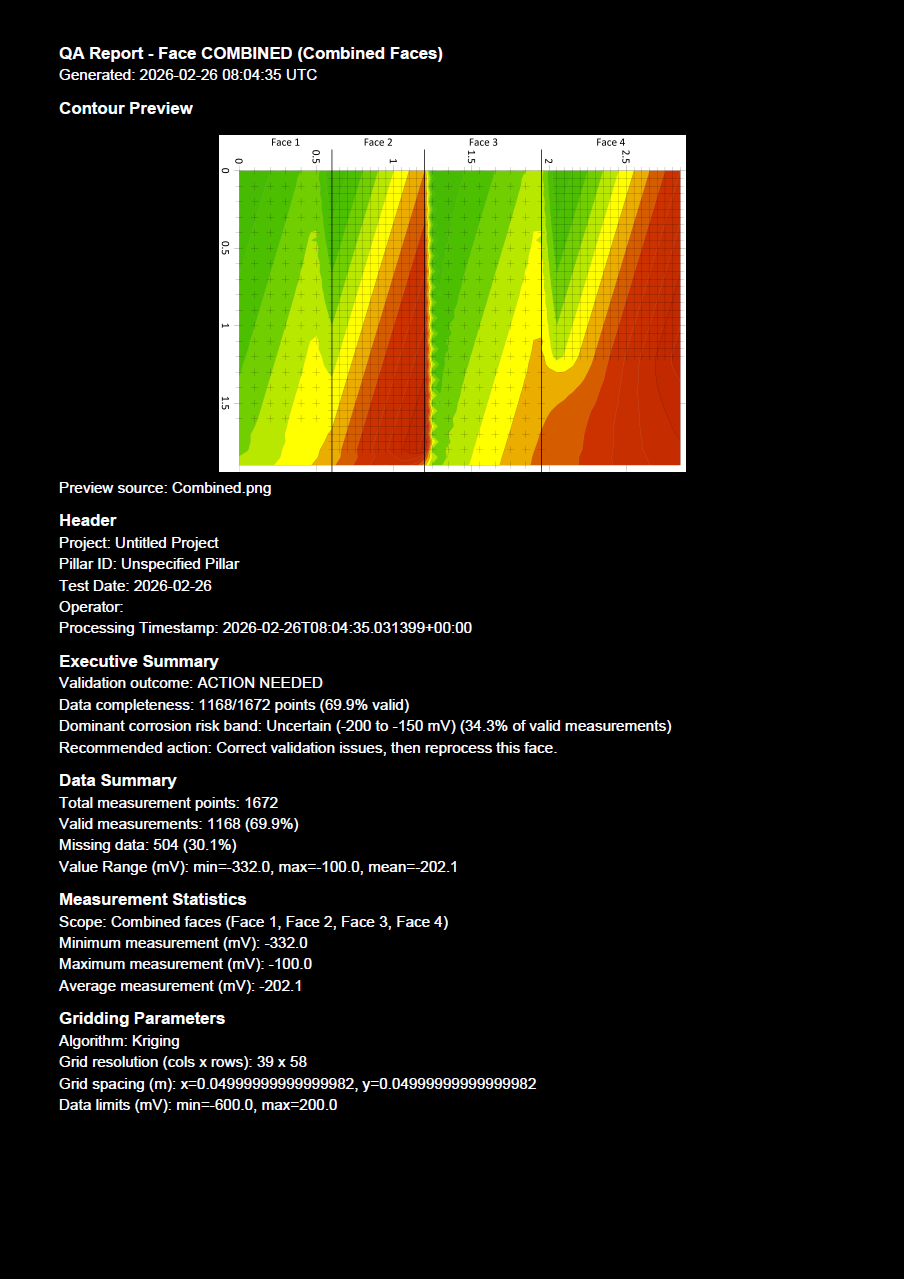
Switch to combined mode to stitch selected faces into one aggregate output set.
Step 07
Use the auto-generated report to review validation outcomes, data quality, and grid settings.
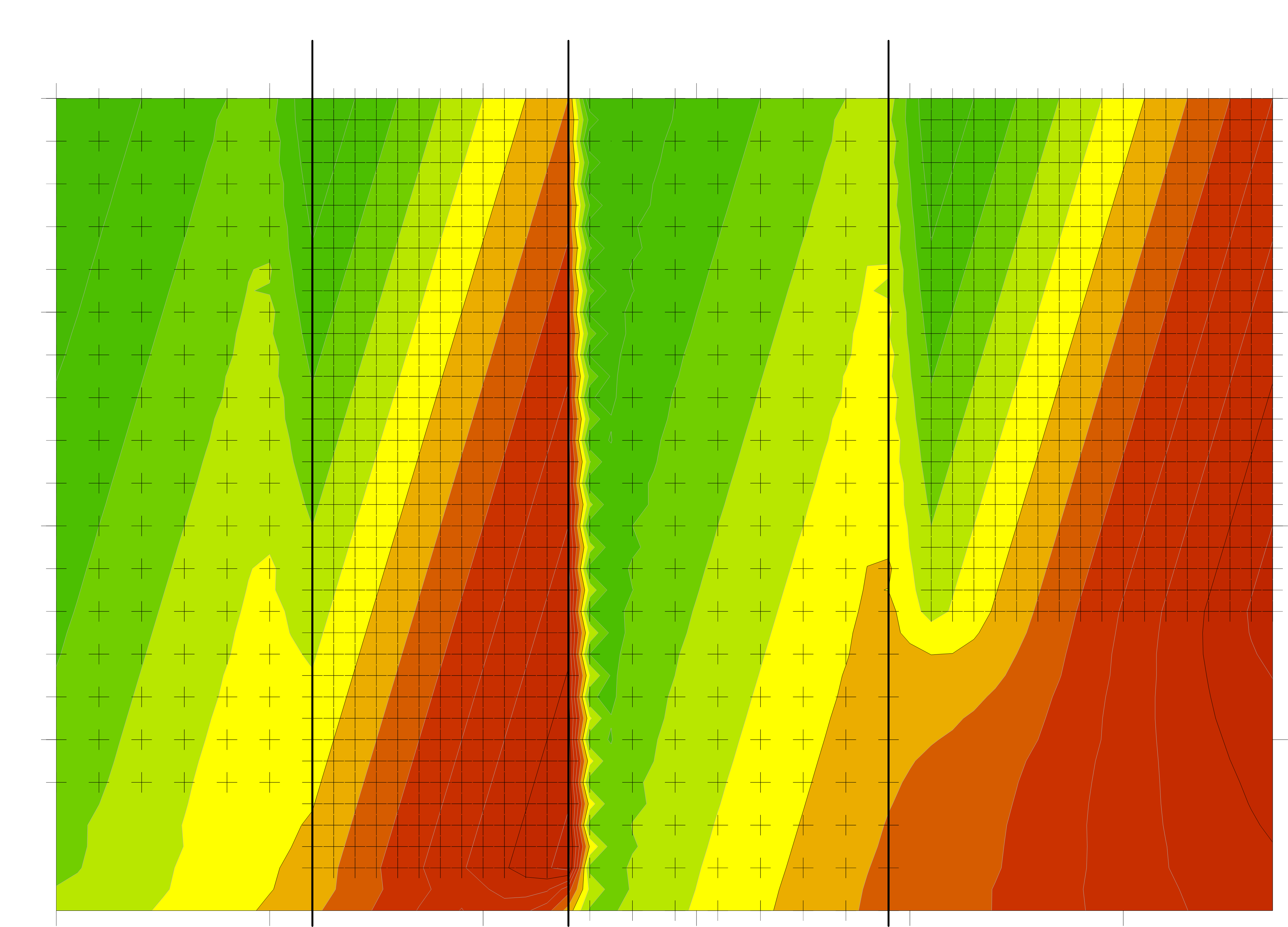
Step 08
Publish the unified contour result for engineering interpretation and decision workflows.
Many teams still rely on fragmented spreadsheets, manual validation, and ad hoc output setup. Ray brings those steps into one controlled process.
Designed to remove routine overhead while keeping outputs clear and reviewable.
Run repeated face-level workflows with less manual setup from project to project.
Generate combined views for teams that need whole-asset context, not only single slices.
Reviewers can quickly confirm what was processed, what passed validation, and what was produced.
Standardized run logic helps teams maintain consistency across operators and project cycles.
Ray focuses on reducing variance in setup and output so teams can spend more time on review, interpretation, and decisions.
Standardized templates, validation gates, and output structures support repeatable execution.
Each run is easier to inspect because pipeline stages and generated outputs follow the same pattern.
Where Ray is typically deployed.
Engineering Teams
Use one template and one run structure across recurring asset inspections.
Inspection Contractors
Deliver consistent output packages across clients and project scopes.
Asset Owners
Give internal reviewers predictable summaries and map exports for faster signoff.
Practical answers teams ask before rollout.
Ray works with defined template structures. Validation checks highlight missing or mismatched fields before processing.
Typical outputs include SRF, PNG, DAT, and run summaries. Actual output sets can be configured to project needs.
Yes. Ray can produce combined map outputs for teams that need aggregate visibility across multiple faces or segments.
Validation surfaces issues before processing, reducing avoidable reruns and giving QA a clearer run history.
Ray is designed for repeat operations where consistent setup and output packaging matter across many runs.
Yes. A short pilot can confirm template compatibility, validation behavior, and output organization with your team.
Book a demo to review your current workflow, sample inputs, and the output package your stakeholders need.
Ready To Evaluate Ray?
Bring a sample template and target deliverable set. We will walk through how Ray can fit your process.